How to Block Website on Mozilla Firefox?
Firefox is a privacy respecting browser, available for major operating systems. Privacy Focused Website Blocker (by Avrodh.com) can be used to block websites on this browser.
Install the browser extension
First, you need to install our browser extension.
Available for Mozilla Firefox and Firefox for Android.
Once you have installed the browser extension, you can find it in the "Extensions" menu of your browser.Open the settings page
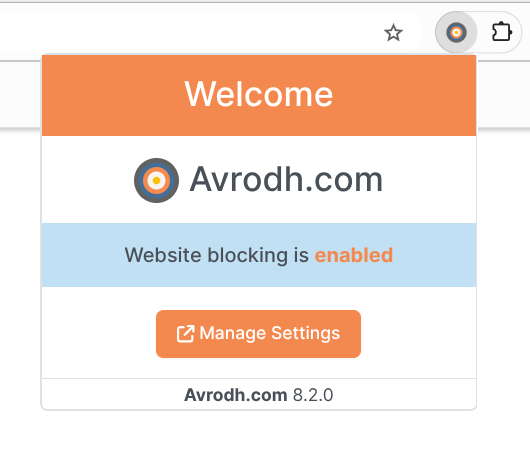
Once you have installed our browser extension, open the settings page. You can access it by clicking the extension icon in your browser's extensions menu.
Creating a block list on Firefox
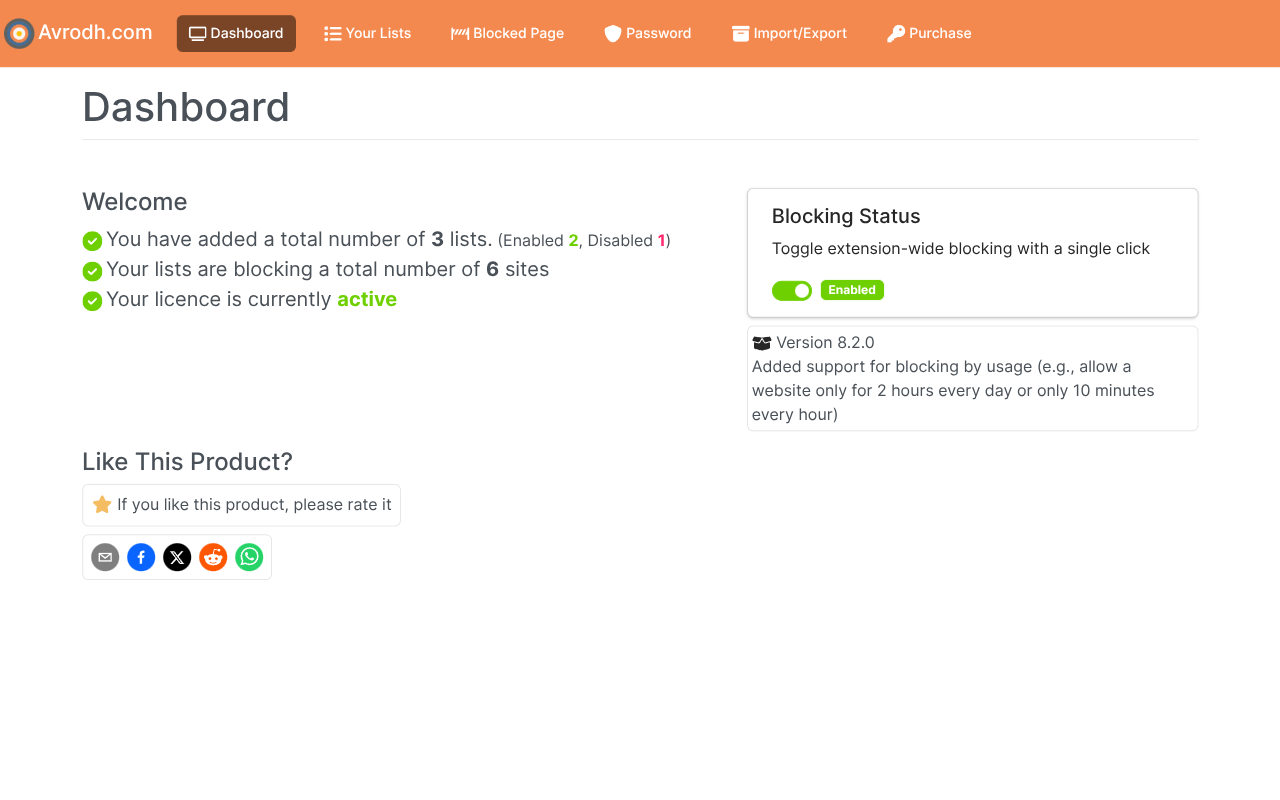
- When you open the extension settings, you will see the dashboard interface. Click on the Your Lists menu to start creating a website block list.
- On the Your Lists screen, click the Add New List button on the top-right corner.
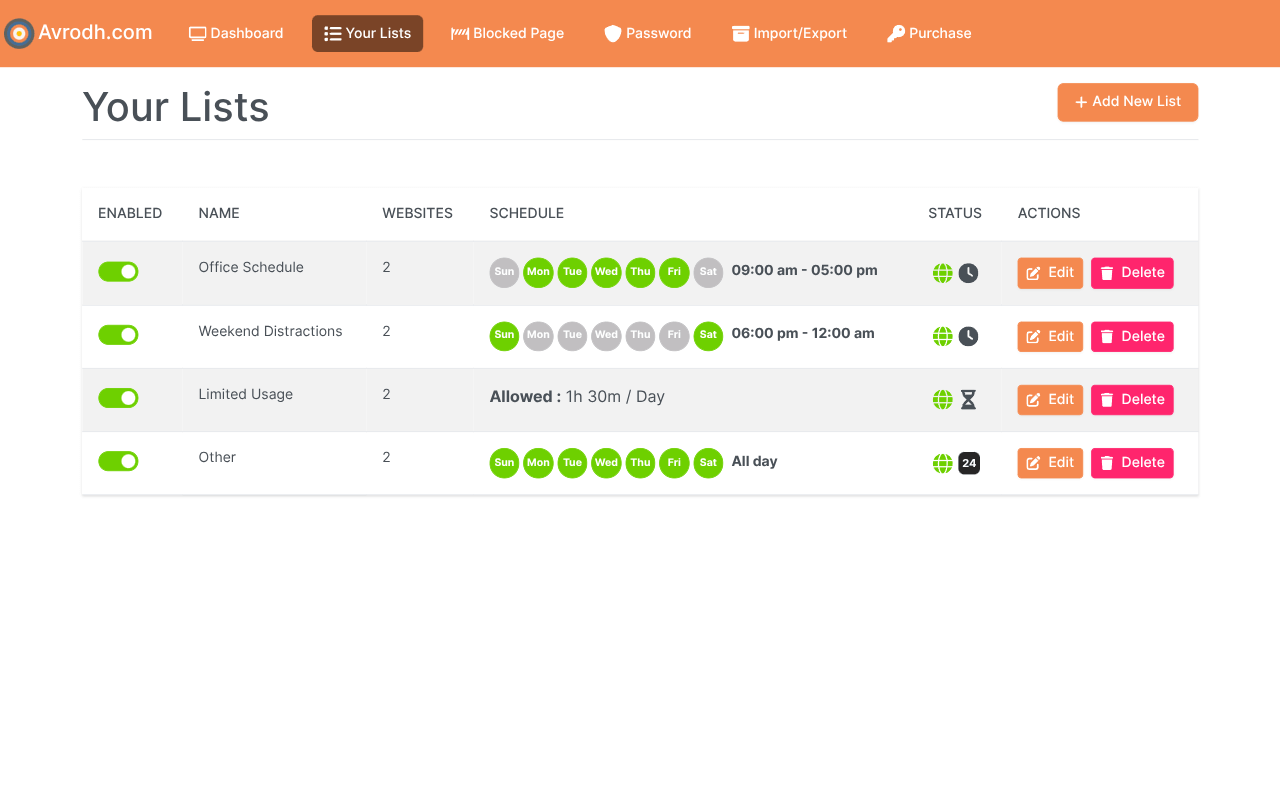
- Now, the Create List interface will open, where you can create a new list with various block settings.
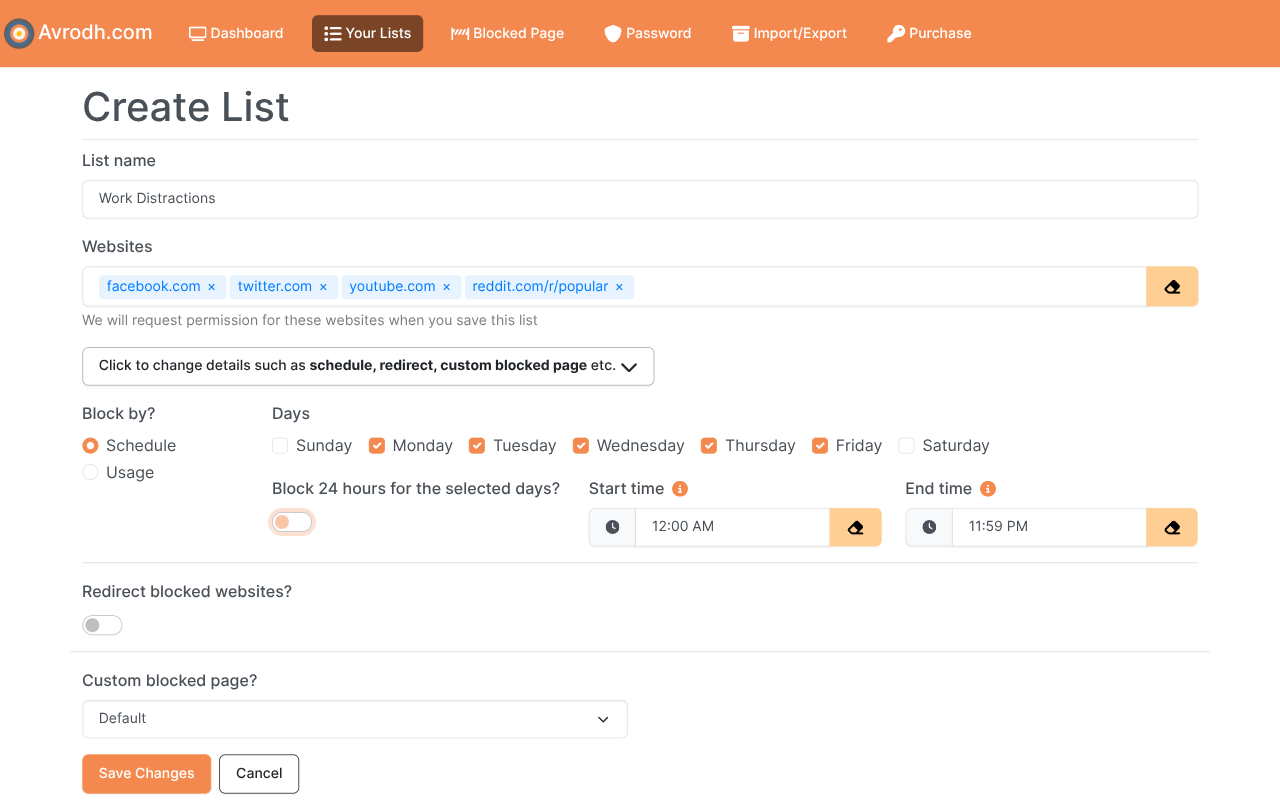
- Make a new list if one hasn't already been created. Otherwise, you can edit any existing list.
- Enter the website you want to block in the edit interface, for example, example.com or https://example.com.
- Save the list by clicking the save button.
Website is blocked on Firefox
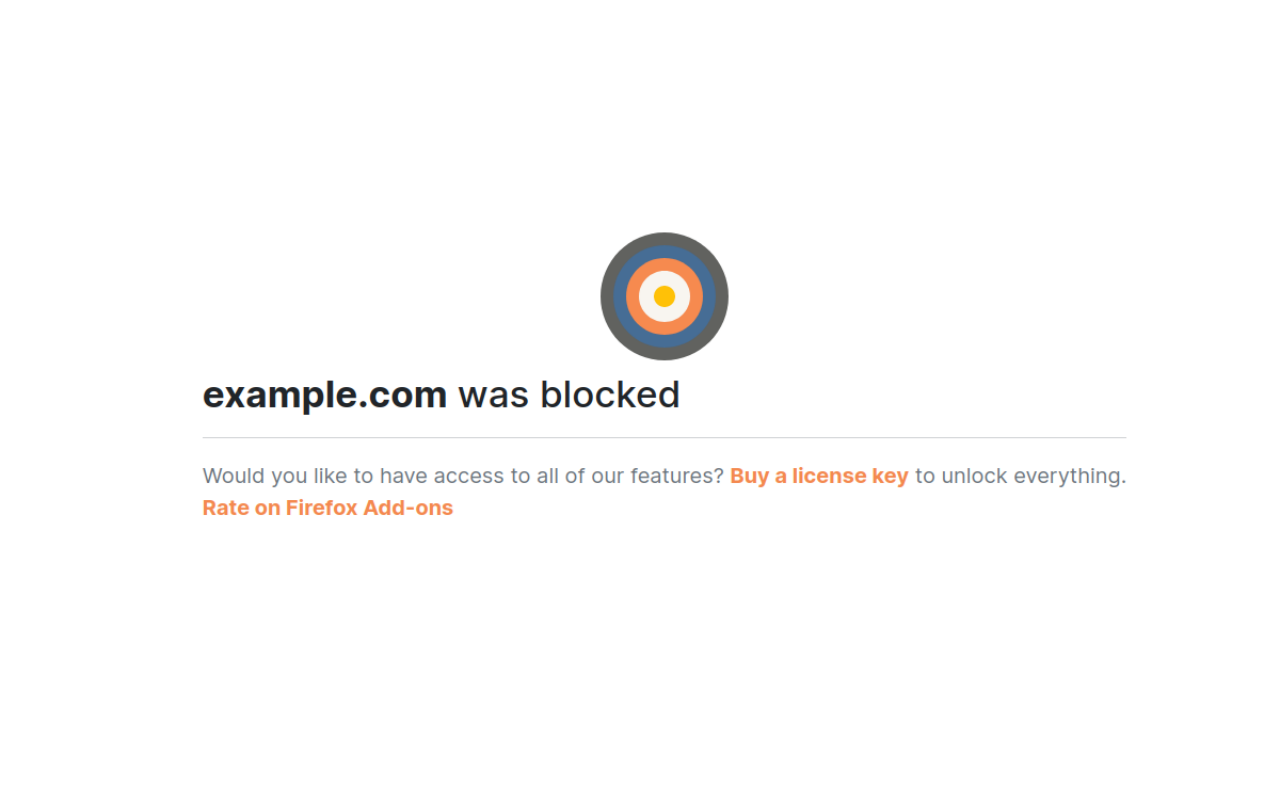
Open a new tab in Mozilla Firefox and visit the blocked site. You’ll see it won’t load, and Firefox will display a blocked page instead.