How to Block Reddit but Allow Subreddit Comments?
You can block reddit.com on your browser for using Privacy Focused Website Blocker (by Avrodh.com).
Install the browser extension
First, you need to install our browser extension.
Available for Google Chrome, Microsoft Edge, Mozilla Firefox, and Firefox for Android.
Once you have installed the browser extension, you can find it in the "Extensions" menu of your browser.Open the settings page
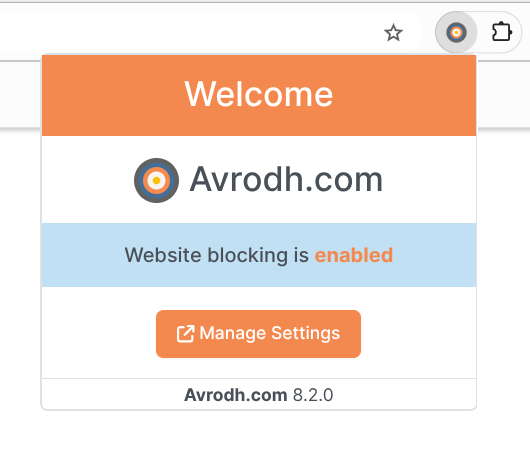
Once you have installed our browser extension, open the settings page. You can access it by clicking the extension icon in your browser's extensions menu.
Create a block list
Now, start creating your first block list. Below are the instructions for creating a block list on the desktop browser.
- When you open the extension settings, you will see the dashboard interface. Click on the Your Lists menu to start creating a website block list.
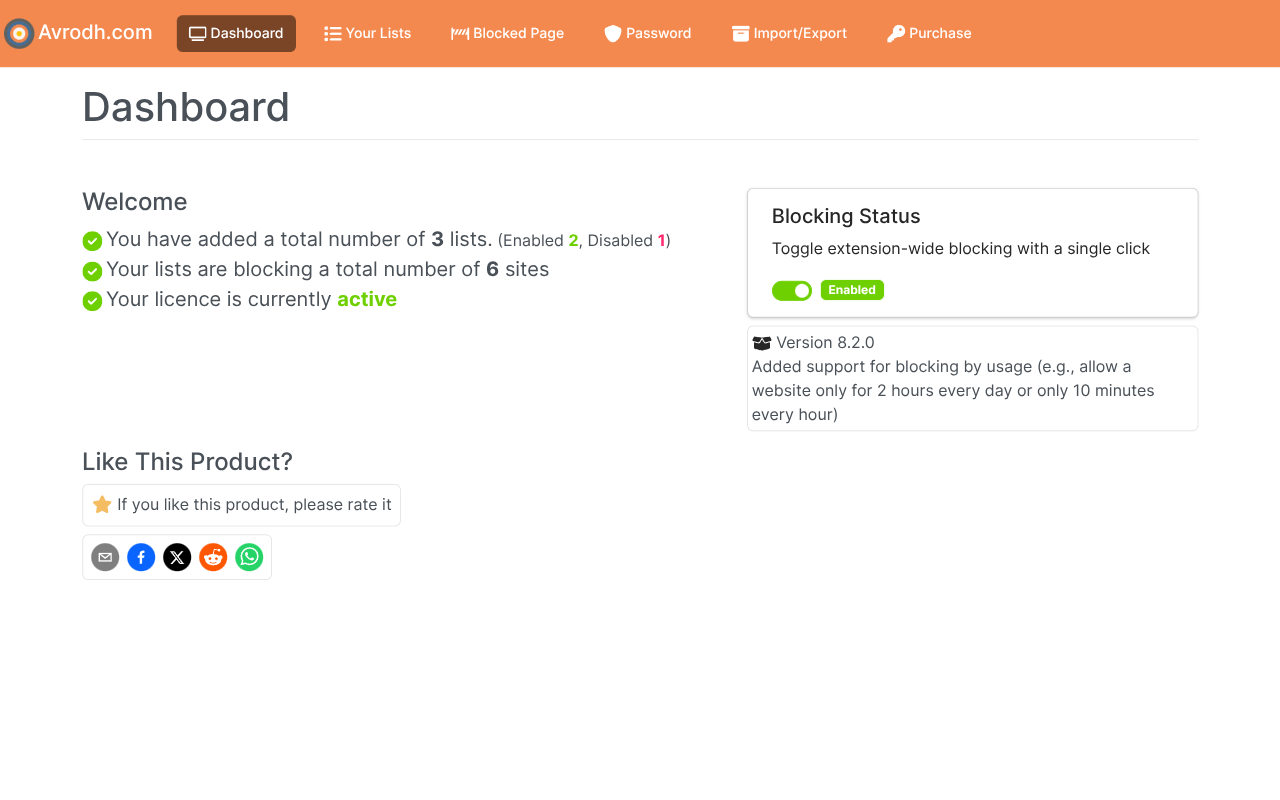
- On the Your Lists screen, click the Add New List button on the top-right corner.
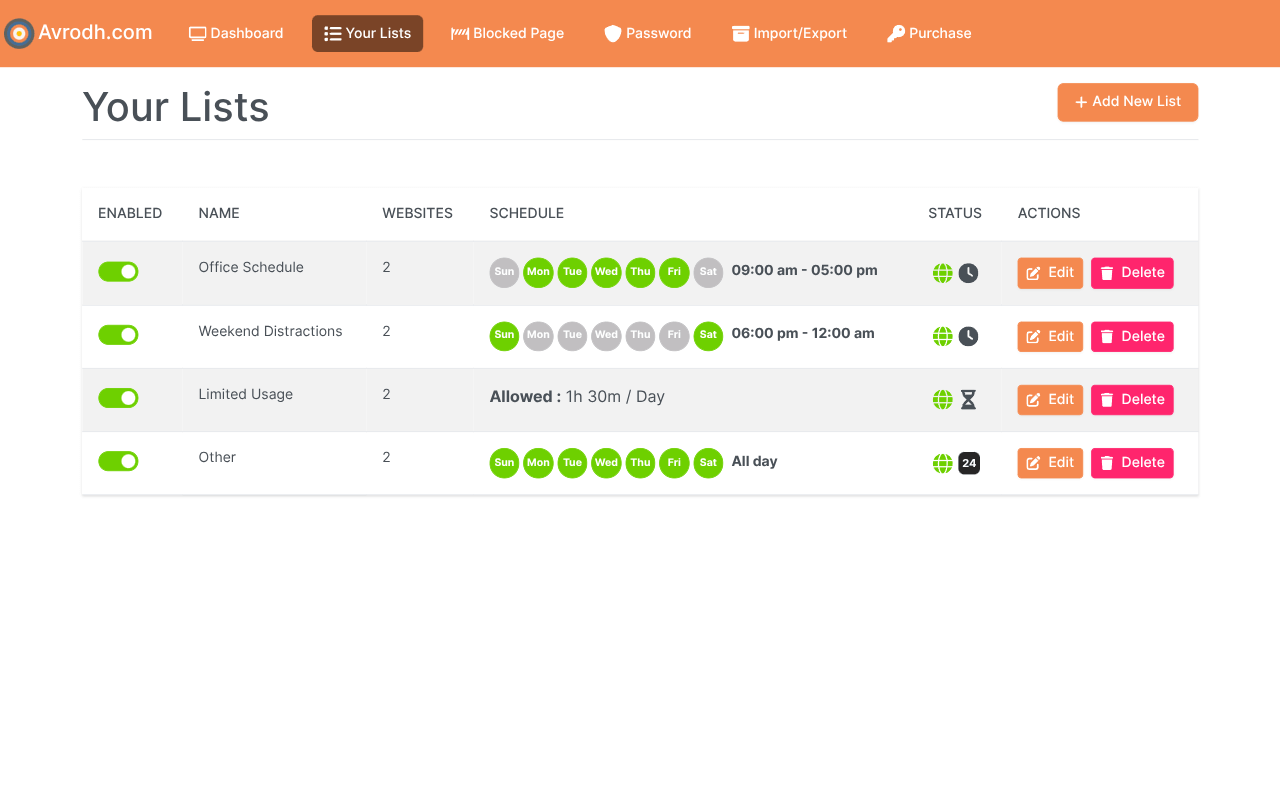
- Now, the Create List interface will open, where you can create a new list with various block settings.
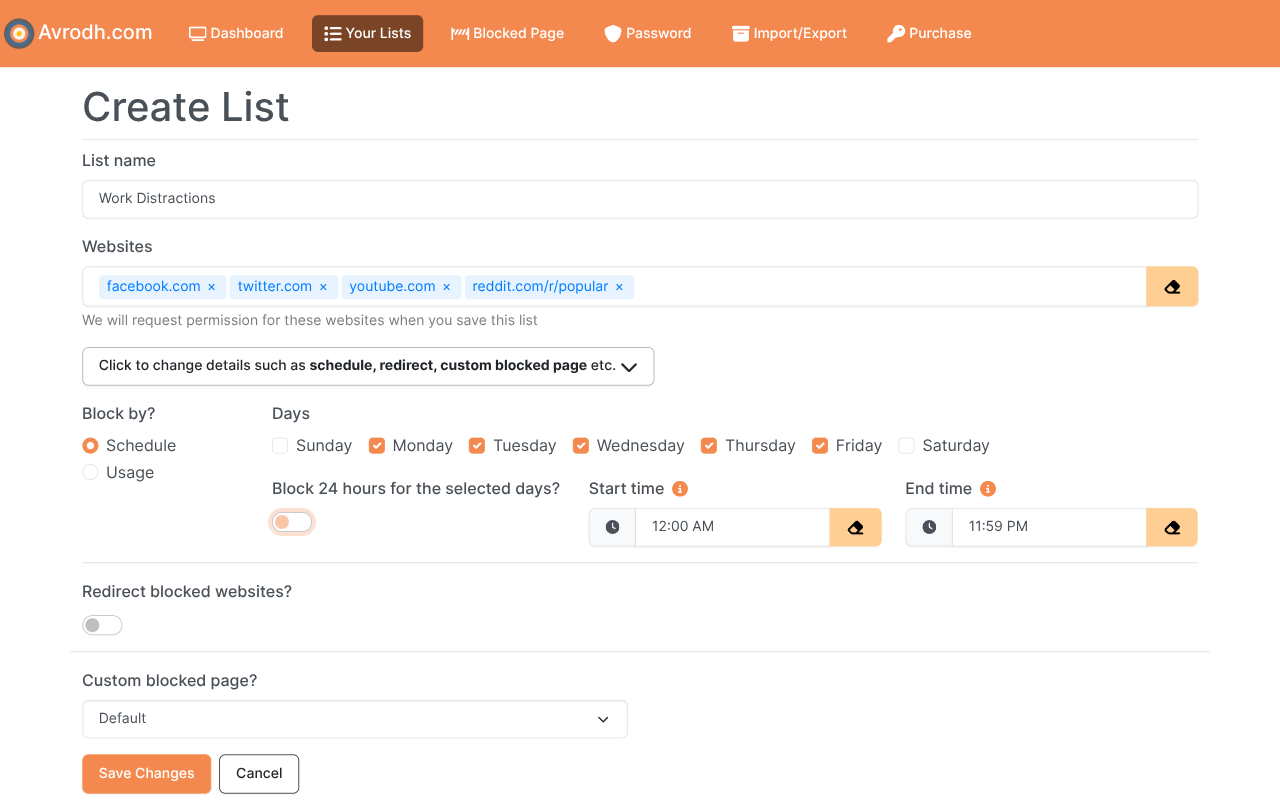
- Open the edit interface and enter the website you want to block (e.g. reddit.com)
- You will now see reddit.com available in the “Allowed paths” setting
- Add the specific path or pattern you want to allow. For example, to allow all subreddit comment pages, enter: /r/*/comments
- Click Save to apply and store your changes
Website is blocked
Try visiting the site that you have blocked; you will notice that the site will not open; instead, our browser extension will display a blocked page.